Digital Fortress: Your Daily Cyber Hygiene Checklist for Unbreachable Safety
Master daily cyber hygiene with practical tips on passwords, updates, and safe browsing. Build your digital fortress against evolving online threats and stay safe!
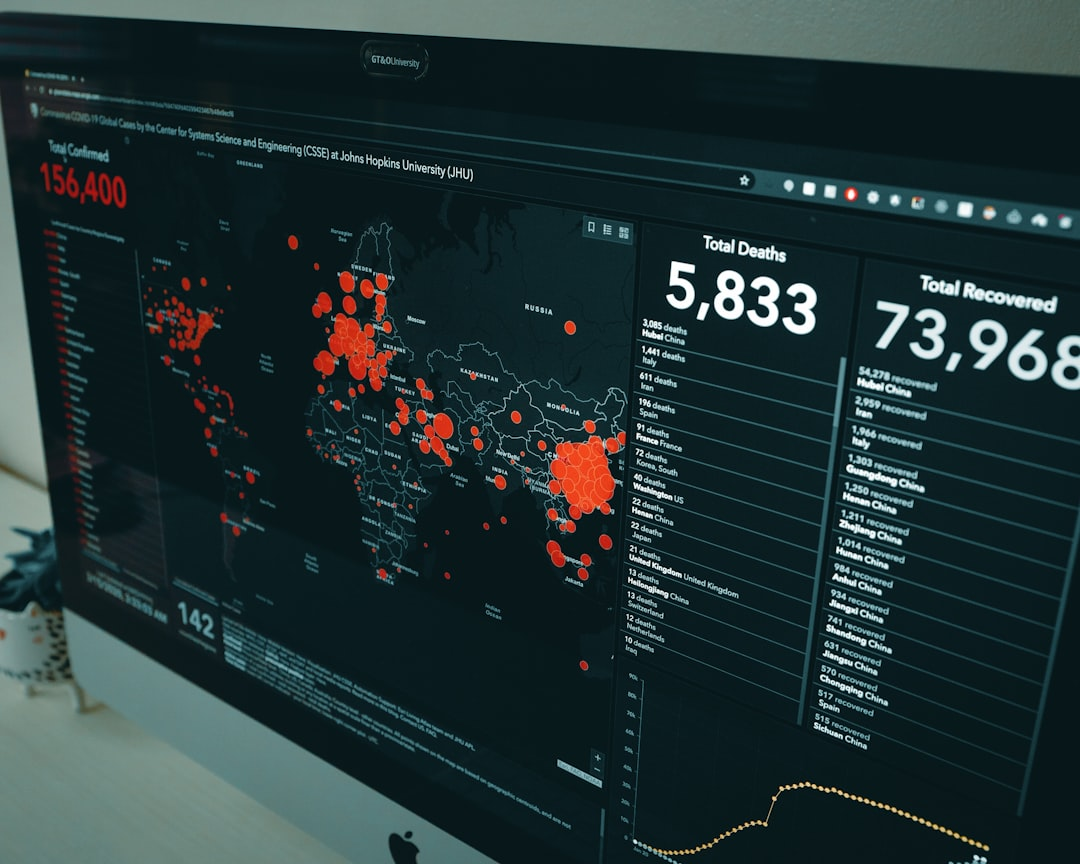
Every day, we navigate a complex digital landscape, often without a second thought. But what if a few simple, daily habits could transform your online experience from a risky venture into a secure, impenetrable fortress? 🔐 Just as we prioritize personal hygiene for our physical health, robust cyber hygiene is non-negotiable for our digital well-being.
In an era where cyber threats are not just evolving but rapidly accelerating, driven by sophisticated AI and nation-state actors, understanding and implementing daily digital safety practices isn’t just good advice—it’s survival. This guide, brought to you by Obsqura, will arm you with the latest strategies for end-user security, focusing on critical areas like password habits, update routines, and safe browsing behaviors. Get ready to elevate your digital defense! 🛡️
The Ironclad Gateway: Mastering Password Habits 🔑
Your passwords are the first, and often only, line of defense protecting your digital identity. Yet, “password123” and “qwerty” still plague countless accounts, making you an easy target for credential stuffing and brute-force attacks. The era of simple passwords is long dead; the future demands complexity and vigilance.
The good news? Modern tools and practices make strong password management easier than ever. Forget memorizing dozens of complex strings. Instead, embrace a password manager – a secure vault that generates, stores, and autofills unique, strong passwords for all your accounts. Tools like LastPass, 1Password, or Bitwarden are indispensable. They also alert you to compromised passwords and promote the use of Passkeys, which are quickly becoming the gold standard for authentication, offering a phishing-resistant, cryptographically secure alternative to traditional passwords.
Embrace Passkeys: Where available, choose Passkeys over traditional passwords. They leverage cryptographic key pairs, making them significantly more resistant to phishing and credential theft, marking a major leap forward in security.
Beyond passwords, Multi-Factor Authentication (MFA) is your digital superhero. It adds a crucial second (or third) layer of verification, typically requiring something you know (your password) and something you have (a phone with an authenticator app, a hardware token like YubiKey, or even biometric data). Even if a cybercriminal steals your password, they can’t log in without that second factor. Recent data from Microsoft shows that MFA can block over 99.9% of automated attacks, highlighting its undeniable effectiveness.
Weak Passwords are a Digital Invitation: Never reuse passwords or use easily guessable ones. A single compromised password can lead to a domino effect, granting attackers access to multiple accounts. In 2024, the average cost of a data breach globally reached an all-time high of $4.45 million, with compromised credentials being a leading initial attack vector.
The Digital Immune System: Why Updates Aren’t Optional 🔄
Imagine your computer or phone as a living organism. Just like our bodies need vaccinations and regular check-ups to fight off illness, your digital devices need constant updates to patch vulnerabilities and ward off evolving cyber threats. Software updates aren’t just about new features; they’re critical security patches that close loopholes attackers might exploit.
This applies to everything: your operating system (Windows, macOS, Android, iOS), web browsers (Chrome, Firefox, Edge), productivity software, antivirus programs, and even your router’s firmware. Attackers constantly scan for unpatched systems, and a known vulnerability on your device is an open invitation. The notorious Log4j vulnerability, discovered in late 2021, continued to be a significant threat throughout 2022 and beyond because many systems remained unpatched, leading to widespread exploitation.
Delaying Updates = Inviting Trouble: Many high-profile breaches, like the Equifax breach, were due to unpatched software. Cybercriminals actively monitor security advisories and develop exploits for newly discovered vulnerabilities within hours or days. Don’t be an easy target!
The best practice is to enable automatic updates for all your devices and applications. For more complex systems or specialized software, schedule regular checks. For instance, on a Linux system, a simple command can keep you updated:
1
sudo apt update && sudo apt upgrade -y
Or, for Windows users, ensure your Windows Update settings are configured for automatic downloads and installations. Regularly checking the CISA Known Exploited Vulnerabilities (KEV) Catalog (cisa.gov/known-exploited-vulnerabilities-catalog) can give you an idea of critical vulnerabilities actively being exploited in the wild, underscoring the urgency of patching.
Navigating the Web Wisely: Safe Browsing Behaviors 🌐
The internet is a vast ocean, and while it holds incredible treasures, it’s also teeming with sharks. Your browsing habits determine whether you sail smoothly or get caught in a dangerous current. Phishing remains one of the most prevalent and effective attack methods, often serving as the initial entry point for more sophisticated attacks.
Phishing, Smishing, Vishing: The Art of Digital Deception
- Phishing: Deceptive emails designed to trick you into revealing sensitive information or clicking malicious links. Look for generic greetings, urgent language, suspicious links (hover, don’t click!), and poor grammar. AI-generated deepfakes are now making vishing (voice phishing) and even video phishing more convincing.
- Smishing: Phishing via SMS text messages. Be wary of texts from unknown numbers asking you to click a link or call a number, especially those promising package deliveries or lottery wins.
- Quishing: A rising trend where malicious QR codes are used to direct users to phishing sites. Always verify the source of a QR code before scanning.
Clicking Suspicious Links is a Betrayal: Never click on links or open attachments from unknown or suspicious senders. This is how malware, ransomware, and credential theft often begin. Always verify the source independently if something seems off.
Essential Browsing Habits:
- Verify URLs & HTTPS: Always check the URL in your browser’s address bar. Ensure it’s the correct domain (e.g.,
google.comnotgoogie.com) and that it uses HTTPS (indicated by a padlock icon 🔒), which encrypts your connection. - Be Wary of Public Wi-Fi: Public Wi-Fi networks are often unsecured, making your data vulnerable to interception. Always use a Virtual Private Network (VPN) when connecting to public Wi-Fi to encrypt your traffic. Services like
NordVPNorExpressVPNprovide robust protection. - Caution with Downloads: Only download files from trusted sources. Be especially careful with torrents or free software sites, as they are often riddled with malware.
- Browser Extensions: While useful, too many extensions can slow down your browser and pose security risks. Only install extensions from reputable developers and uninstall any you don’t actively use.
- Ad Blockers and Script Blockers: Tools like
uBlock Origincan block malicious ads (malvertising) and tracking scripts, improving both security and privacy.
Beyond the Basics: Data Backup & Device Security 💾
Your cyber hygiene extends beyond active defense to include proactive measures that safeguard your data even if a breach occurs.
The 3-2-1 Backup Rule: Your Data’s Lifeline
Ransomware attacks continue to be a top threat, with average ransom payments escalating. The best defense against data loss from ransomware or hardware failure is a robust backup strategy.
- 3 copies of your data: Original + two backups.
- 2 different media types: e.g., internal drive, external HDD, cloud storage.
- 1 copy offsite: Crucial for disaster recovery (e.g., cloud backup like
Backblazeor an external drive stored in a different location).
Test Your Backups! A backup strategy is only as good as its restorability. Periodically test your backups to ensure you can actually retrieve your data when needed.
Device Encryption: Your Digital Safe
Full Disk Encryption (FDE) ensures that if your laptop or phone is lost or stolen, its data remains unreadable to unauthorized individuals.
- Windows: Use BitLocker (available in Pro versions).
- macOS: Enable FileVault.
- Smartphones: Most modern smartphones encrypt data by default, but it’s wise to double-check your settings.
Unencrypted Devices are Low-Hanging Fruit: Losing an unencrypted device is akin to handing over your entire digital life on a silver platter. Enable encryption today!
Physical Security: Don’t Forget the Basics
- Lock Your Screen: Always lock your computer or phone when stepping away, even for a moment.
- Secure Devices: Keep physical track of your devices. Don’t leave them unattended in public places.
- Shred Sensitive Documents: Don’t just toss old bills or sensitive papers; shred them securely.
Key Takeaways 💡
- Strong, Unique Passwords + MFA: Use a password manager and enable multi-factor authentication everywhere possible to protect your accounts.
- Update Relentlessly: Enable automatic updates for all software and devices to patch vulnerabilities and stay ahead of attackers.
- Browse with Vigilance: Be skeptical of unsolicited links, verify URLs, use a VPN on public Wi-Fi, and only download from trusted sources.
- Backup and Encrypt: Implement the 3-2-1 backup rule for your critical data and ensure all your devices are encrypted.
- Stay Informed: Cyber threats evolve constantly. Subscribe to reputable cybersecurity blogs (like Obsqura!) and news sources to stay updated.
Conclusion 🚀
Cyber hygiene isn’t a one-time setup; it’s a daily commitment, a continuous process of vigilance and adaptation. By integrating these simple yet powerful practices into your routine, you’re not just protecting your personal data; you’re contributing to a safer digital ecosystem for everyone. Start building your digital fortress today, one secure habit at a time. Your digital safety is in your hands. What daily practice will you commit to first? Share this guide and help others strengthen their defenses!
—Mr. Xploit 🛡️