Day 1: Try Hack Me Account Setup — The Complete Beginner's Guide
Introduction: The Beginning of a Hands-On Cybersecurity Learning Series
The year 2026 marks a new phase in the world of cybersecurity, where hands-on skills matter more than ever. With increasing cyber threats, organizations are actively seeking professionals who not only understand security concepts but can also apply them in real-world scenarios. This blog officially begins the Try Hack Me Labs Series, a daily, structured, hands-on cybersecurity learning journey designed for beginners and aspiring ethical hackers.
This is Day 1 of the series, and the focus is on Try Hack Me account setup, which is the most critical first step for anyone entering the cybersecurity domain. Before diving into hacking labs, penetration testing tools, or defensive security concepts, it is essential to properly configure your learning environment. This guide explains every step in detail, ensuring that even complete beginners can start confidently.
On this occasion, I would also like to wish you a Happy New Year 2026. May this year help you build strong cybersecurity fundamentals, discipline, and a consistent learning routine.
🚀 Why Try Hack Me Is the Best Platform for Beginners
Try Hack Me is one of the most popular online platforms for learning cybersecurity, ethical hacking, penetration testing, and blue team skills through interactive labs. Unlike traditional courses that rely heavily on theory, Try Hack Me focuses on practical, browser-based learning, allowing users to work with real tools and simulated environments.
For beginners, Try Hack Me provides structured rooms, beginner-friendly learning paths, and guided challenges that help build confidence step by step. Setting up an account correctly ensures that your progress is tracked, your dashboard is personalized, and you are fully prepared for hands-on labs.
🔐 Step 1: Searching Try Hack Me Using a Web Browser
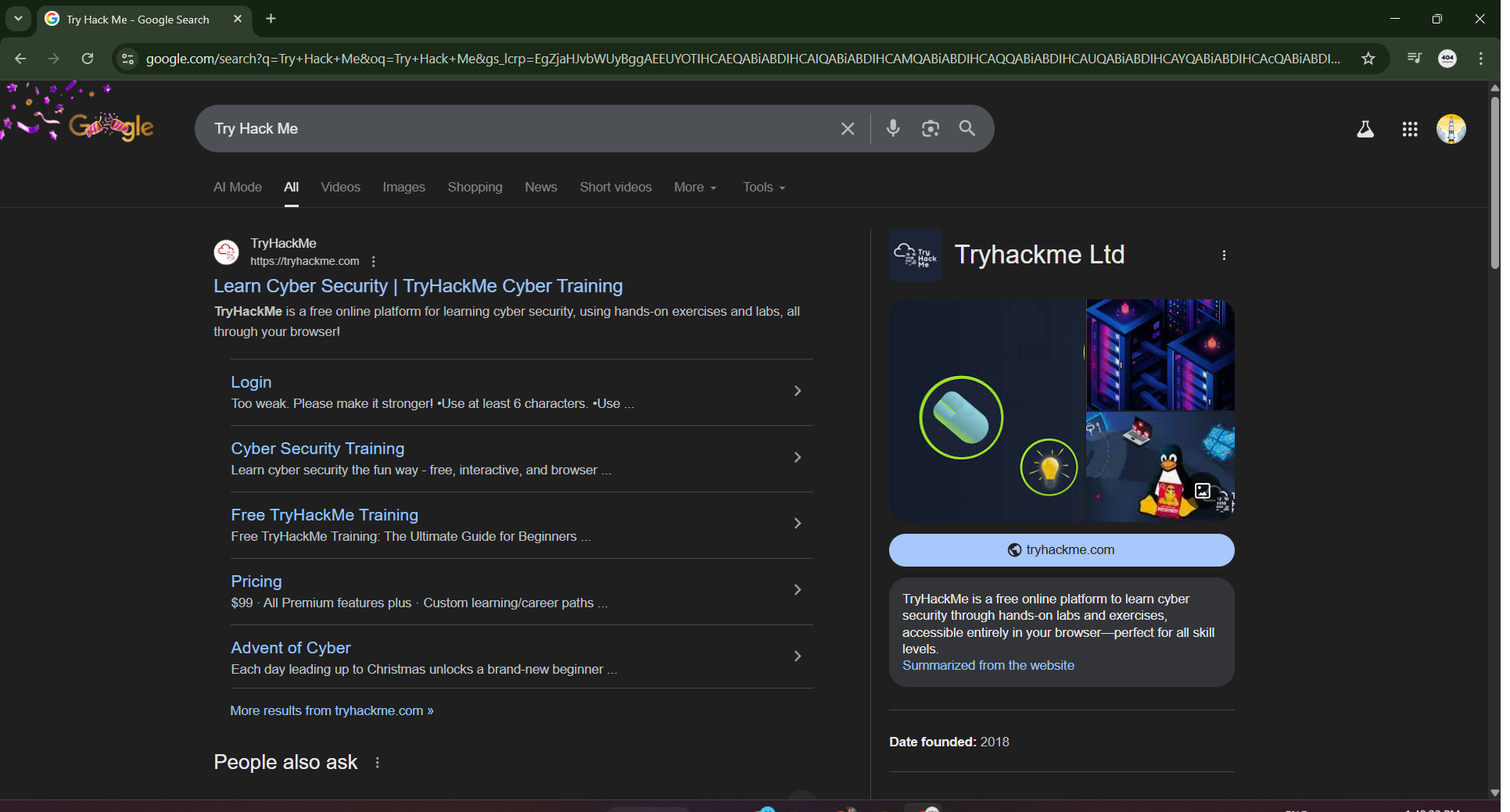
The first step in creating a Try Hack Me account is opening a secure web browser and searching for “Try Hack Me” using a search engine. When the search results appear, you will see the official Try Hack Me website listed.
⚠️ Critical Security Habit Always verify the website name before clicking, as this habit is essential in cybersecurity to avoid phishing or fake websites.
Clicking on the official Try Hack Me result will take you to the platform’s homepage, where you can explore the interface and learning environment before signing up.
➡️ Step 2: Navigating to the Try Hack Me Registration Page
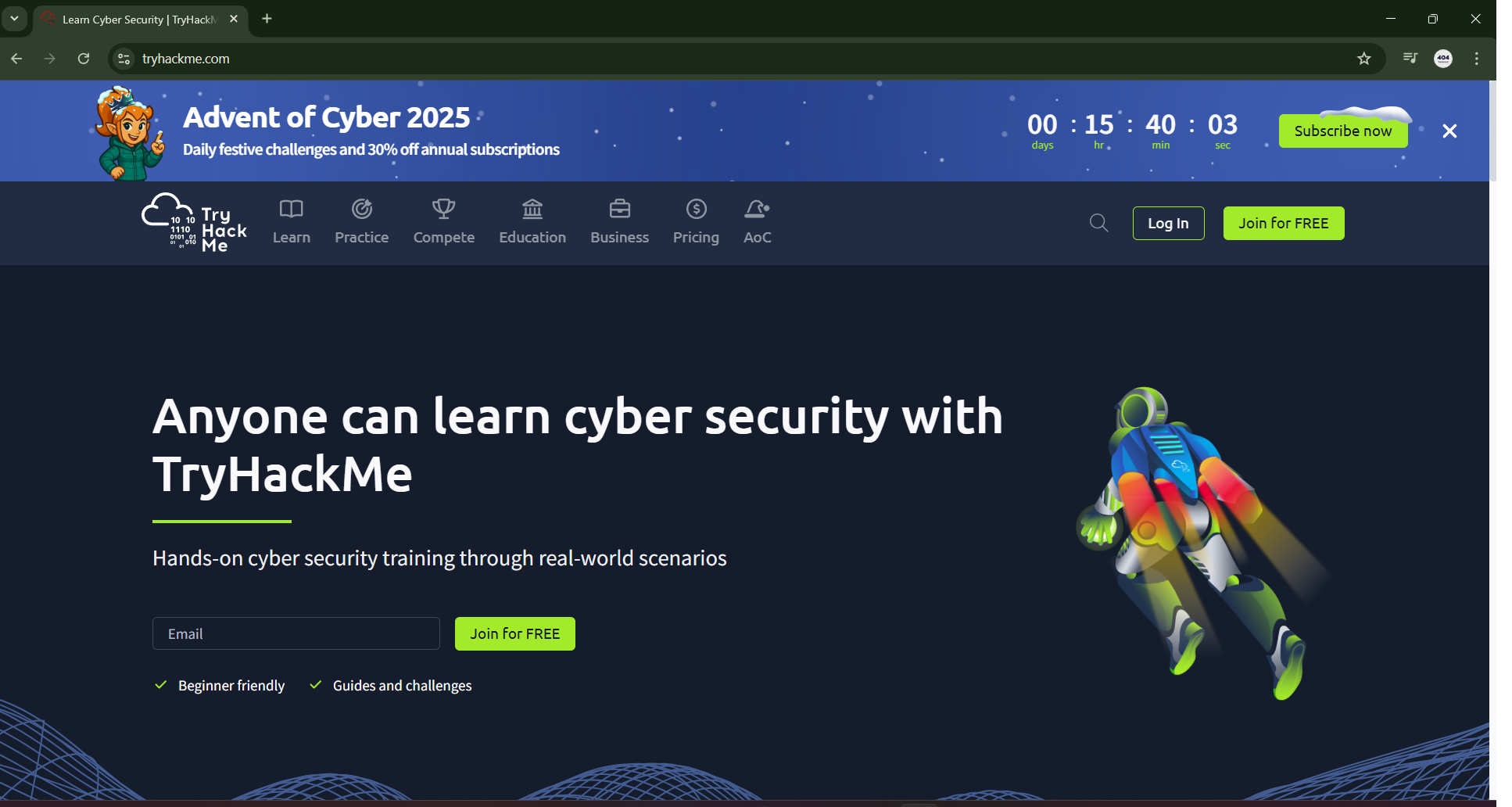
Once you reach the Try Hack Me homepage, you will notice a “Join for Free” option displayed prominently in the top-right corner. This option is specifically designed for new users who want to start learning cybersecurity without any initial cost.
Clicking on the “Join for Free” button redirects you to the Try Hack Me registration page, where the account creation process begins. At this stage, the platform prepares you to choose a sign-up method based on your preference.
✨ Step 3: Choosing a Sign-Up Method on Try Hack Me
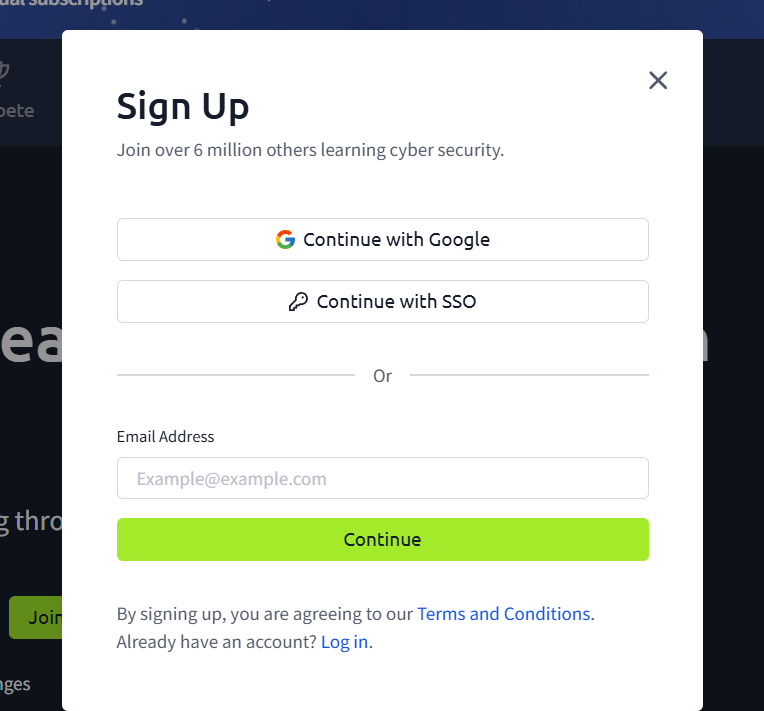
On the registration page, Try Hack Me offers two secure sign-up methods: Google Sign-Up and Email Sign-Up.
- Google Sign-Up: For most beginners, this process is the fastest and simplest. You only need to choose your Google account, review the permissions, and click allow. This method avoids manual password creation.
- Email Sign-Up: A valid email address must be entered along with a strong password (minimum of eight characters recommended). This may require email verification to activate the account.
Both methods are safe, and users should select the one that best fits their security preferences.
👤 Step 4: Accessing the Try Hack Me Profile After Registration
After successfully registering, you will be redirected to the Try Hack Me homepage while being logged into your account. At this point, a profile icon becomes visible in the top-right corner of the screen. Clicking on this icon opens the profile menu and allows access to the profile section.
This step is important because your Try Hack Me profile represents your public identity on the platform and reflects your professionalism within the cybersecurity community.
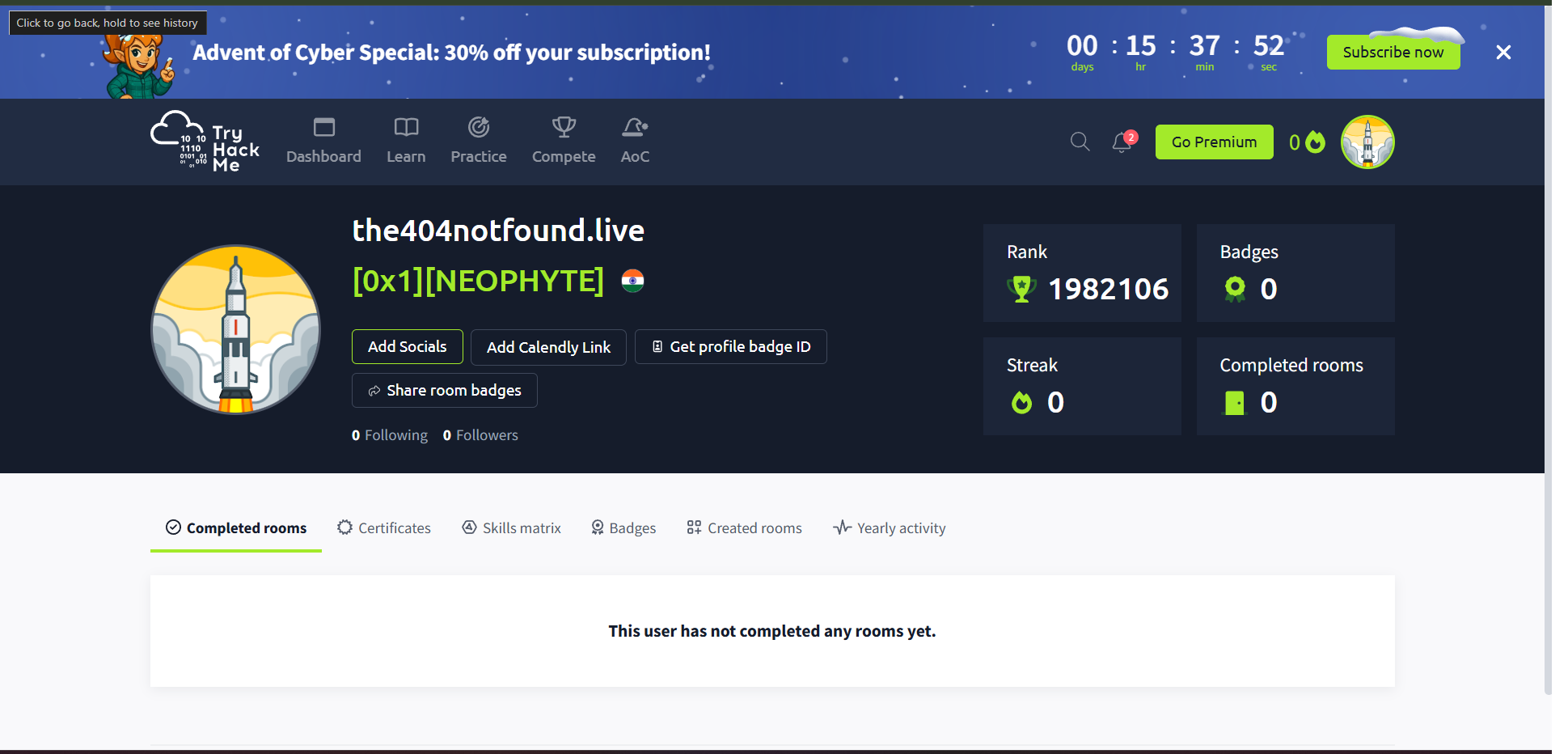
🛠️ Step 5: Setting a Professional Username and Completing Your Profile
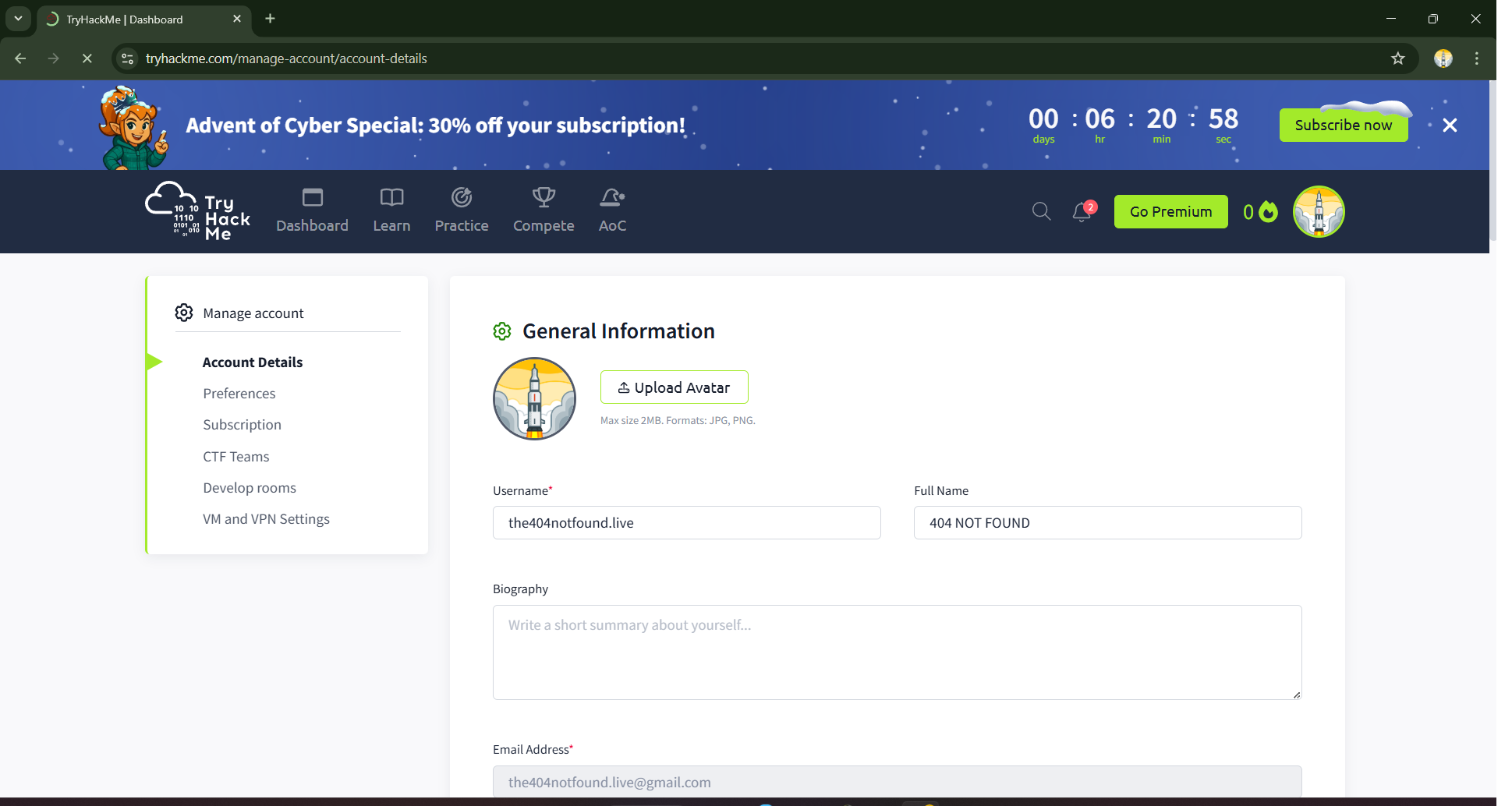
Inside the profile section, you should immediately update your username, as it is publicly visible across the platform. Your username should be clean, professional, and preferably related to cybersecurity.
💡 Pro Username Tip Avoid random characters or casual names. Professional usernames like
blackhat_security,cyber_journey, orpentest_beginnercreate a strong and credible impression.
Along with the username, you should add a short professional bio describing your interest in cybersecurity or ethical hacking. Selecting the skill level as Beginner is recommended for Day 1 learners. Adding a profile picture is optional but strongly recommended, as it enhances the authenticity and completeness of your profile.
💎 Free Plan vs Premium Plan: Which One Should Beginners Choose?
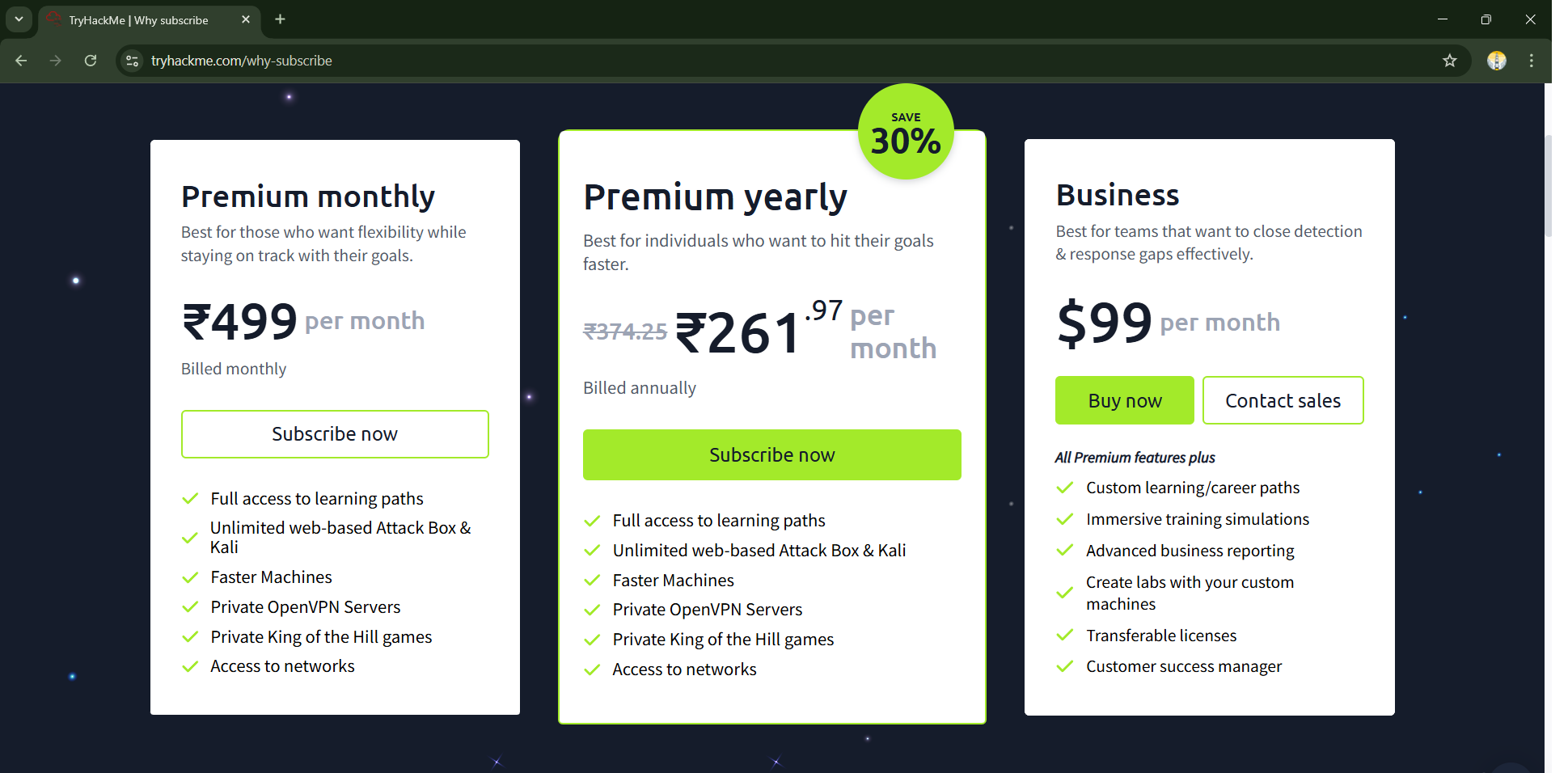
Try Hack Me offers both Free and Premium plans. The Free Plan includes limited but high-quality beginner rooms that cover essential topics such as networking basics, Linux fundamentals, and introductory security concepts. For beginners, this plan is more than sufficient to build a strong foundation in cybersecurity.
The Premium Plan unlocks all rooms, advanced learning paths, certifications, and hands-on labs designed for intermediate and advanced learners. While premium access offers additional value, it is not required on Day 1. Beginners are advised to focus on consistency and fundamentals before considering an upgrade.
🚧 Common Beginner Mistakes to Avoid When Starting
Many beginners make the mistake of skipping introductory rooms and directly attempting advanced challenges. This often results in confusion and frustration. Another common issue is inconsistency, where learners stop practicing regularly after initial enthusiasm fades.
To avoid these problems, beginners should focus on learning paths, complete tutorial rooms, and maintain a daily practice routine. Cybersecurity skills improve through repetition, patience, and hands-on exposure.
✅ Day 1 Completion Summary and Day 2 Preview
By the end of Day 1, your Try Hack Me account should be successfully created, your profile should be professionally configured, and your dashboard should be explored. You should also have identified beginner-friendly rooms to start with.
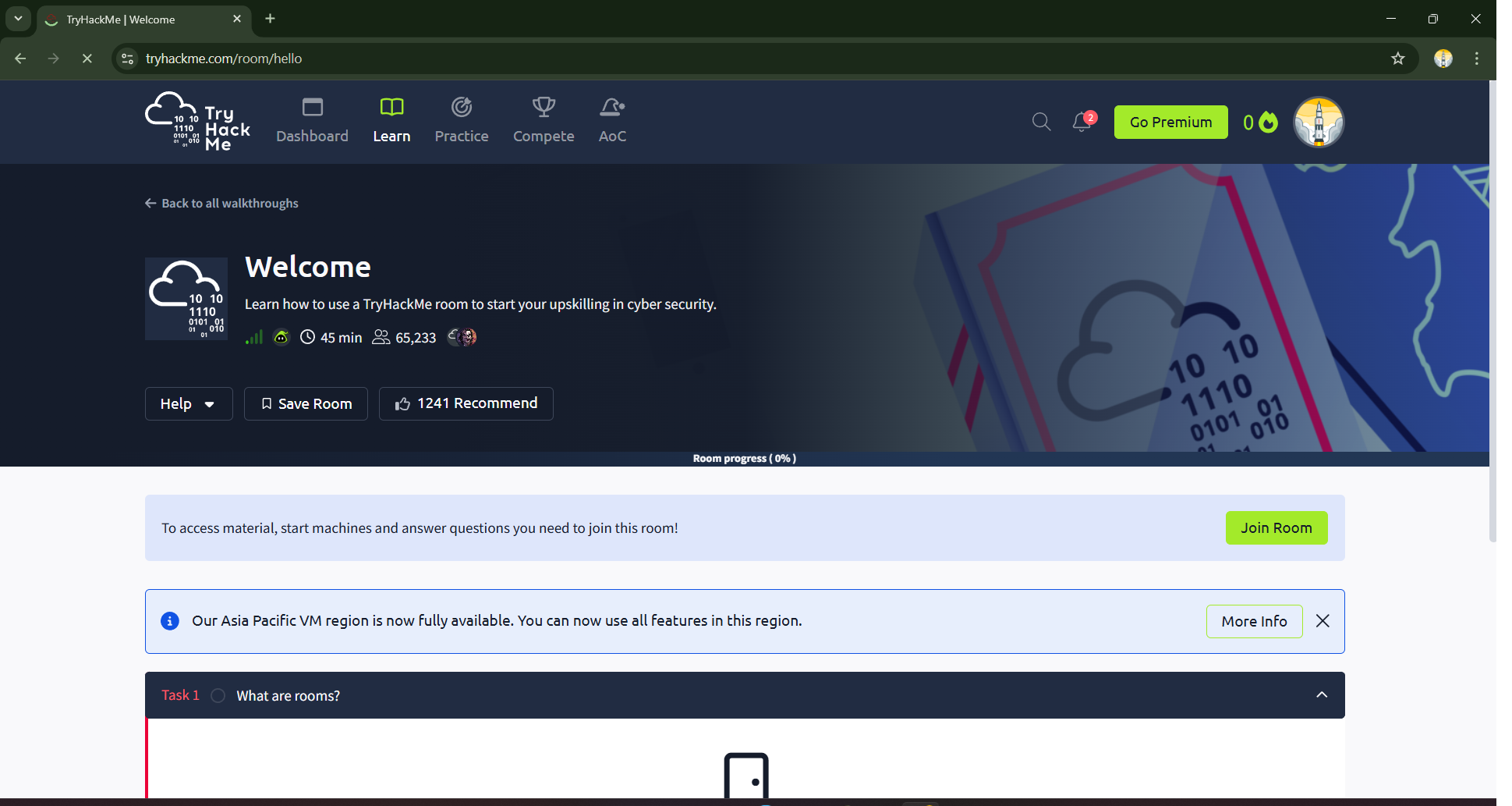
On Day 2, the next blog in this Try Hack Me series will focus on the Welcome Lab, where you will learn how Try Hack Me rooms work, interact with your first tasks, and begin hands-on cybersecurity practice.
🏁 Conclusion: Building a Strong Cybersecurity Foundation From Day One
Setting up your Try Hack Me account properly is the first and most important step in your cybersecurity journey. A strong foundation, combined with daily hands-on learning, will help you grow steadily and confidently in this field. Stay disciplined, stay curious, and keep improving your skills every day.
“Learning never exhausts the mind.”
Author: Mr. Xploit Series: Try Hack Me Labs—A Daily Hands-On Cybersecurity Journey
—Mr. Xploit 🛡️