Day 4: Try Hack Me Getting Started Lab—Learning Web Basics and Default Credentials
Introduction: Entering the World of Hands-On Web Security
After understanding how to use the Try Hack Me platform on Day 3, it is time to begin interacting with actual web-based challenges. Day 4 of the TryHackMe Lab Series focuses on the Getting Started Lab, which introduces beginners to basic web exploration, source code analysis, and the concept of default credentials—a common and critical security issue in real-world applications.
This lab is designed to help learners understand how small misconfigurations and overlooked details in web applications can lead to serious security risks. It also builds confidence in using the Attack Box, browser tools, and logical thinking rather than advanced exploitation techniques.
Step 1: Joining the Getting Started Lab
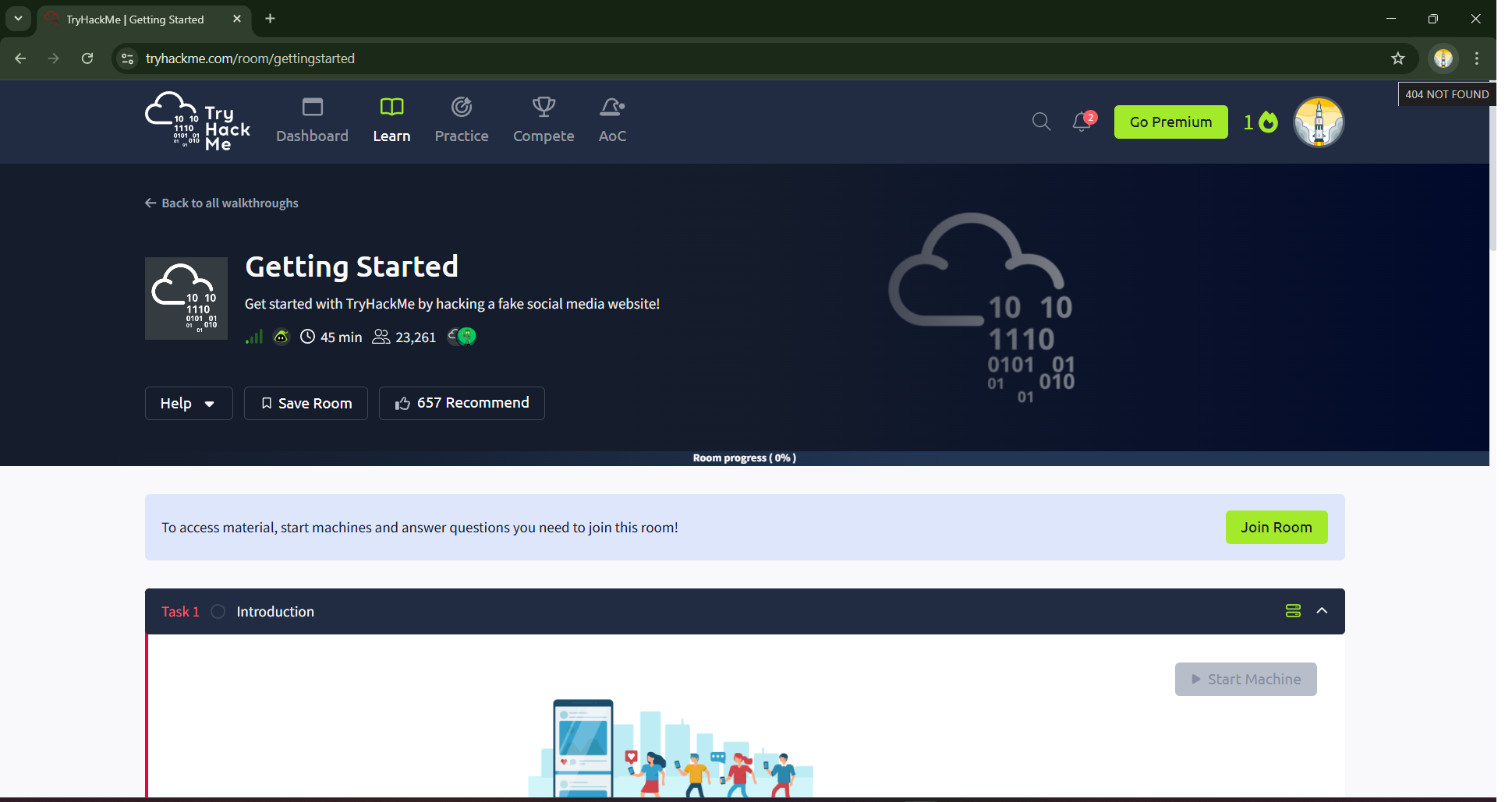
The first step begins by navigating to the Getting Started Lab on Try Hack Me. Once the lab page opens, clicking on the Join Now button starts the room. This action registers your participation and unlocks the tasks associated with the lab.
At this stage, it is important to read the room description briefly to understand the objective before moving forward.
Step 2: Starting the Machine and Attack Box
After joining the room, the next step is to start the target machine provided by Try Hack Me. Along with this, the Attack Box must also be launched. The Attack Box is a browser-based virtual machine equipped with tools needed for interacting with targets during labs.
Initially, the Target IP Address will take a moment to appear.
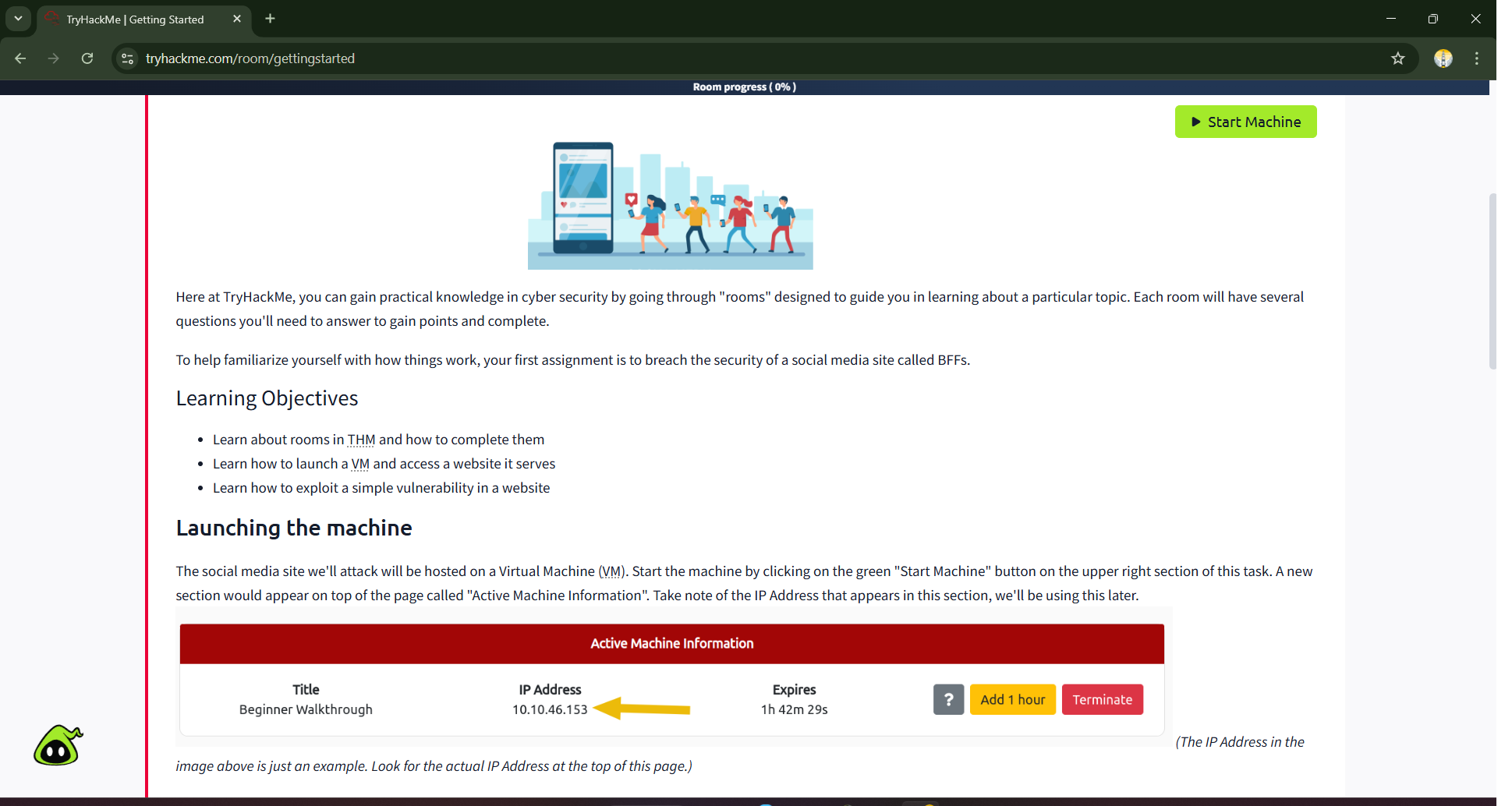
Once both the machine and Attack Box are running, an IP address appears at the top of the room. This IP address represents the target web application hosted by the lab environment and is required to access the website.

Step 3: Accessing the Target Website via Attack Box
Inside the Attack Box, the Firefox browser is opened. The previously copied IP address is pasted into the browser’s address bar and accessed. This action redirects the browser to the target website hosted on the lab machine.
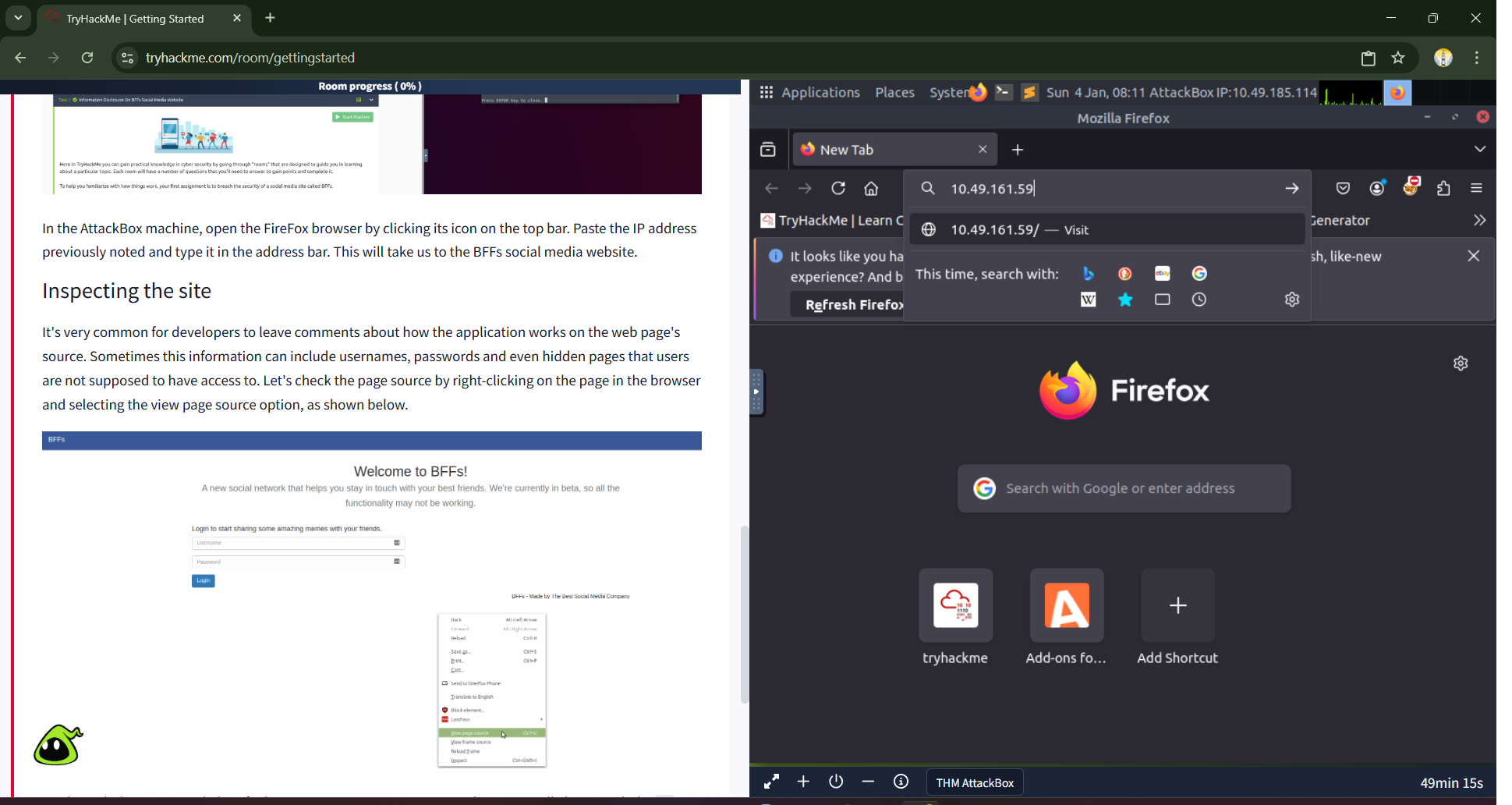
Opening the target in the Attack Box browser ensures that all interactions remain within the Try Hack Me environment, keeping the process safe and controlled.
Step 4: Inspecting the Website Source Code
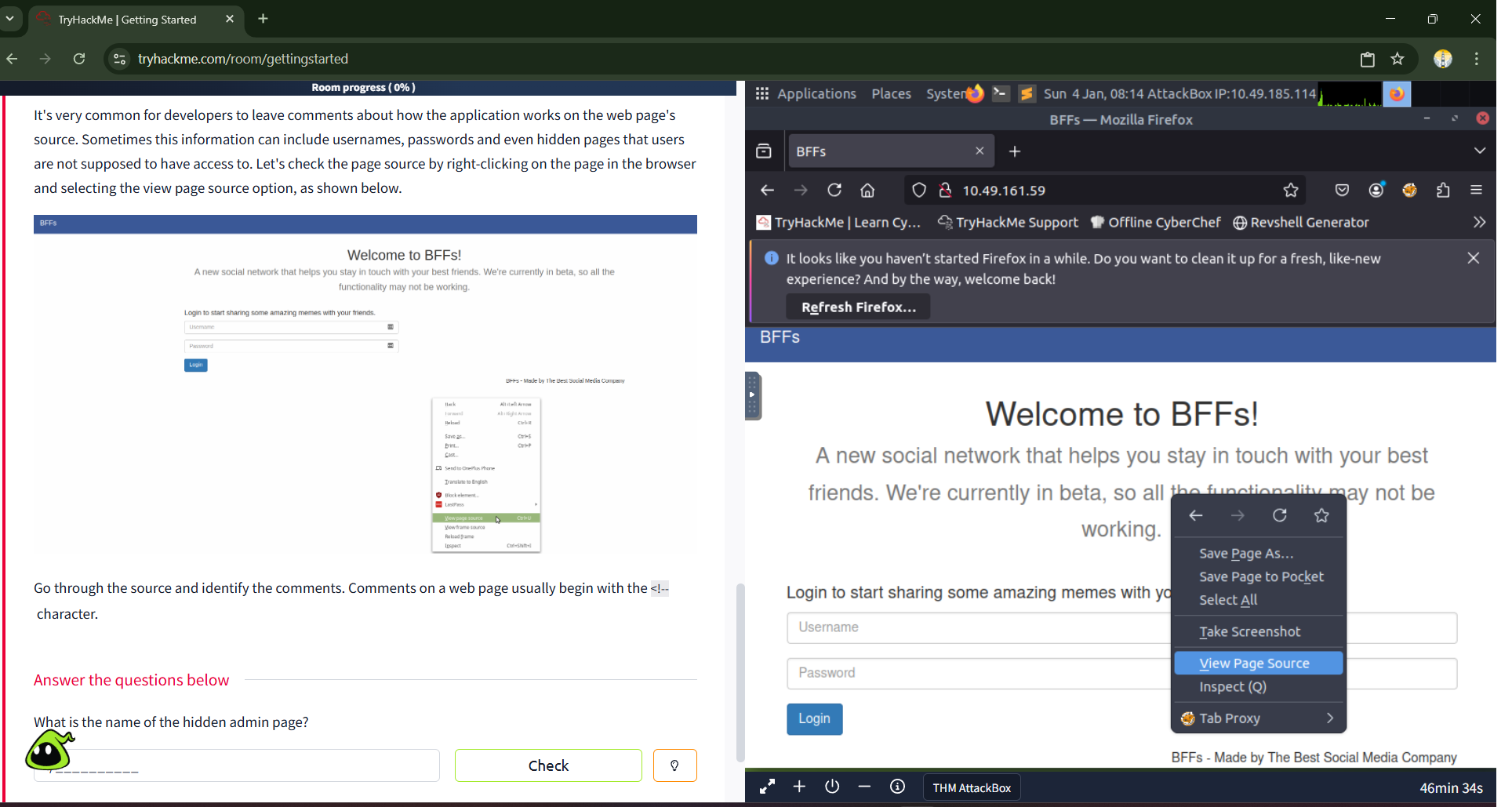
Once the website loads, it displays the BFFs Social Media Page. At first glance, the page appears simple and normal. However, hidden information often exists beneath the surface. By right-clicking on the page and selecting View Page Source, the HTML source code of the page becomes visible.
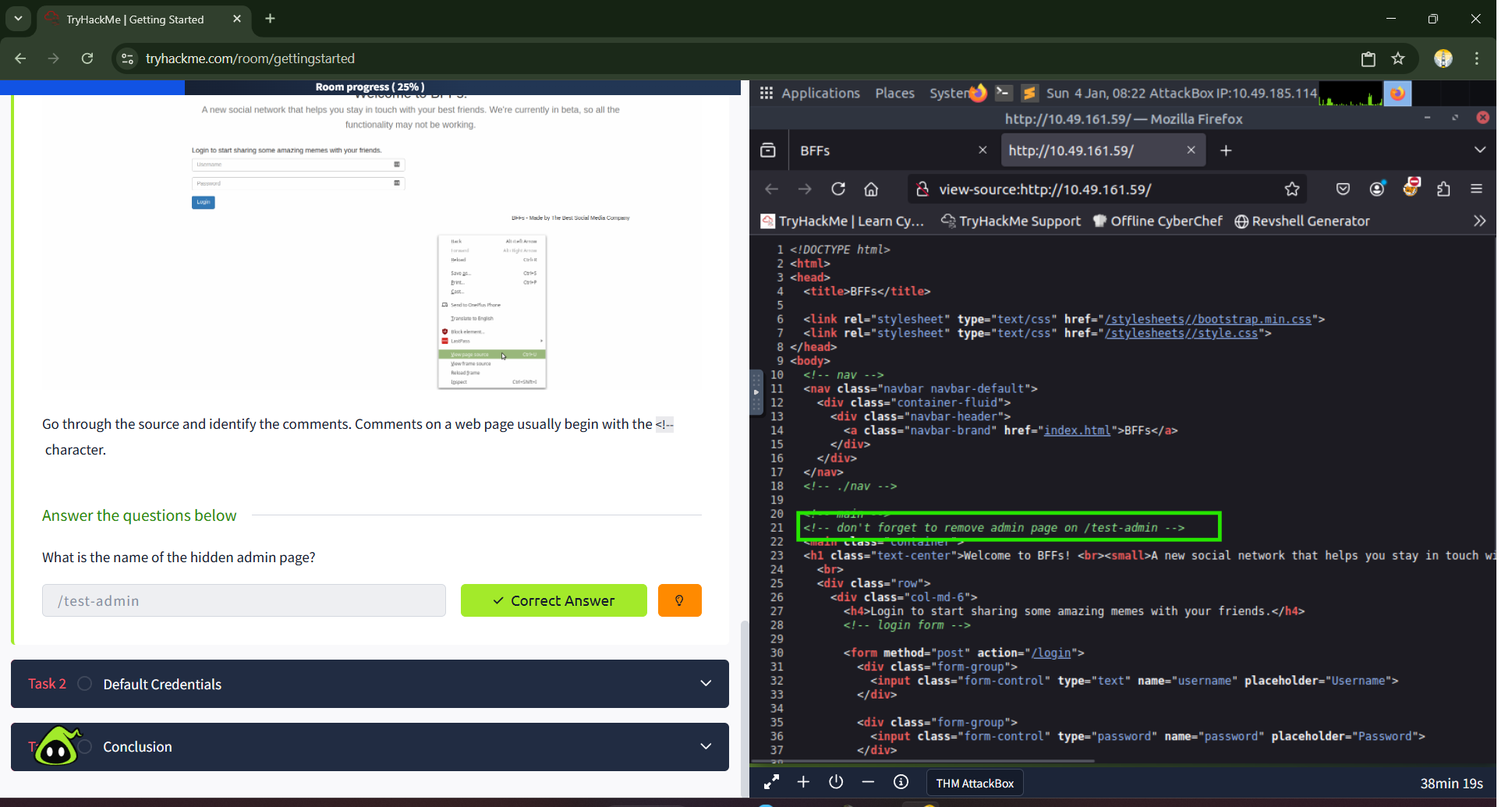
While reviewing the source code, comments are identified. HTML comments typically begin with <!-- and end with -->. These comments may contain sensitive information that developers unintentionally leave behind. In this lab, the comments reveal valuable clues related to hidden or restricted pages. The identified information is copied and pasted into Task 1 as the correct answer.
This step demonstrates how attackers often gather intelligence by simply inspecting page source rather than using complex tools.
Step 5: Discovering the Admin Login Page and Default Credentials
In the previous task, a hidden admin page is discovered that leads to a login form. Accessing this page is critical because administrator panels often control sensitive parts of an application. If accessed by unauthorized users, they can expose private user data or allow malicious changes.
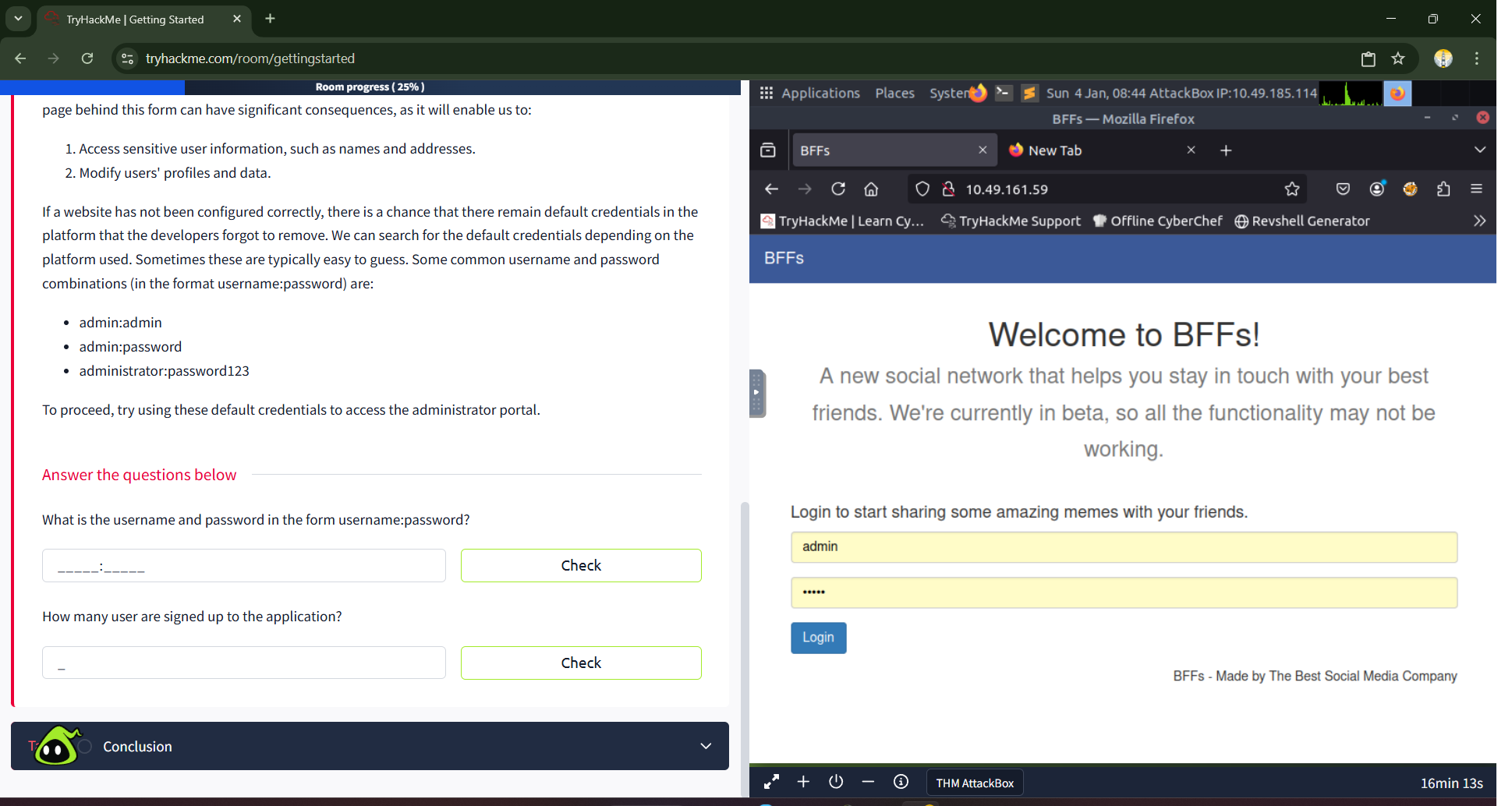
Many websites fail to remove default credentials after deployment. These credentials are commonly documented and easy to guess. In this lab, several common combinations are tested, such as admin:admin, admin:password, and administrator:password123.
By trying these combinations on the BFFs website login form, access is successfully gained using the credentials admin:admin. This highlights how weak authentication practices can compromise an entire application.
Step 6: Identifying Application Users
After logging into the admin panel, additional information becomes accessible. One of the tasks requires identifying how many users are signed up on the application. By exploring the admin interface, it becomes clear that three users are registered on the platform.
This step reinforces the impact of compromised admin access, as it exposes user-related data that should normally be protected.
Day 4 Learning Outcome
By the end of Day 4, learners understand how to start and interact with lab machines, use the Attack Box effectively, inspect web page source code, identify hidden comments, and exploit default credentials. These are foundational web security concepts that demonstrate how real-world breaches often occur due to simple mistakes rather than advanced attacks.
This lab builds awareness of how attackers think and why secure configuration is essential.
Conclusion
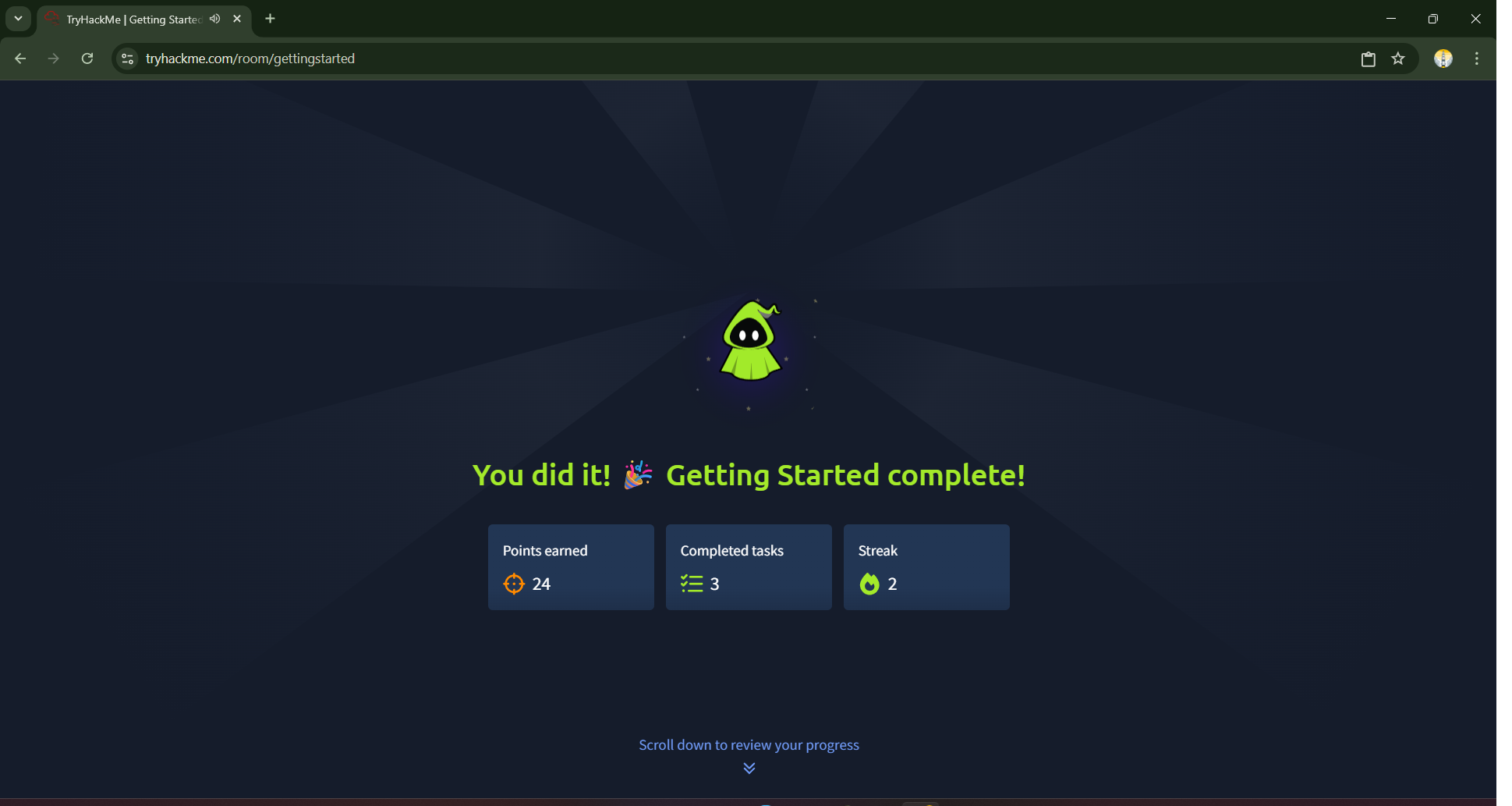
The Getting Started Lab is a crucial milestone in the Try Hack Me learning journey. It teaches that cybersecurity is not always about complex exploits but often about observation, logic, and understanding common developer mistakes. Learning how to inspect source code and test default credentials provides valuable insight into real-world web vulnerabilities.
Consistency and curiosity are key to mastering cybersecurity, and this lab is a strong step forward in that direction.
Day 5 Preview: OpenVPN Lab
On Day 5, the Try Hack Me Lab Series will move to the OpenVPN Lab, where learners will understand how to securely connect to Try Hack Me networks using VPN technology. This lab will introduce remote lab access and prepare learners for more advanced rooms that require a VPN connection.
Author: Mr. Xploit
Series: Try Hack Me Labs—A Daily Hands-On Cybersecurity Journey
—Mr. Xploit 🛡️